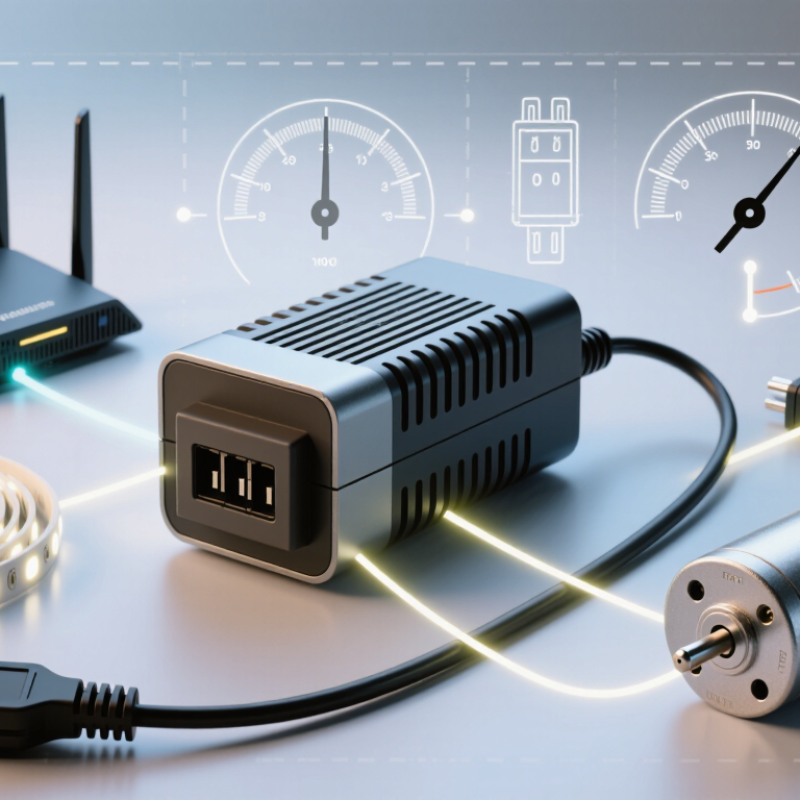
Choosing the right Switching Power Adapter begins with a simple question: what exactly will it power? A router, LED strip, and compact motor may share a plug shape, yet need different voltages, currents, and operating conditions. A mismatch can cause unreliable performance or damage equipment. Small details matter.
Marty Brown, power-supply engineer and author of The Power Supply Cookbook, offers a useful principle: “A power supply is only as good as its match to the load.” That idea guides this introduction. Check the device label for its required output voltage and current. Confirm whether it needs AC or DC, and inspect the connector’s size and polarity. Then consider input voltage, efficiency, cooling, and the environment where the adapter will run. A unit tucked behind a warm cabinet may behave differently from one used in open air.
There is no universal best choice. A higher current rating can be appropriate when voltage and polarity match, but it does not excuse a wrong connector or output type. We should also be honest: labels can be confusing, and product listings do not always explain ripple, protection, or performance under load clearly. When the specifications are incomplete, consult the device manufacturer rather than guessing. This guide will help you compare the practical details, spot common selection errors, and choose an adapter that fits both the equipment and its real working conditions.
Identify the Device’s Voltage and Current Requirements
Read the device label or manual and find its DC output voltage and current, not the adapter’s AC input figures. Match voltage exactly unless the manufacturer specifies an acceptable range. Check the connector size and polarity too. A matching plug can still be electrically wrong.
For current, choose an adapter rated to supply at least the device’s stated demand. A higher current rating is generally acceptable; the device draws what it needs. Calculate power as volts multiplied by amps. A 12 V, 2 A device needs up to 24 W. Check the label carefully. Worn print is easy to misread, and guessing is a poor shortcut.
USB-IF’s USB Power Delivery 3.1 specification defines Extended Power Range operation up to 48 V and 5 A, or 240 W. That figure describes a supported standard maximum, not a universal adapter setting: compatible equipment must negotiate an appropriate power profile.
For a non-USB device, use its specified voltage, current, and polarity rather than assuming USB figures apply. When requirements are unclear, pause and verify them with the device documentation; a small mismatch can cause unreliable operation or damage.
Select the Adapter Type and Connector
Start with the device’s required output, not the adapter’s appearance. A switching adapter converts mains AC into regulated DC, but its voltage must match the device specification. Check the label or manual; small print can be hard to read under a desk. Close is not close enough. A higher current rating can be suitable when voltage, polarity, and connector match, but confirm the device’s stated requirements.
Choose an adapter format that suits the setting. A fixed-output unit works for a device with one known voltage. A selectable-output model can serve several devices, but check its setting each time. For a desk, a compact enclosed adapter is often practical. In a built-in installation, an open-frame supply may fit better, but it needs proper housing and competent installation. I would not choose by size alone.
Match the connector by type and dimensions. A barrel plug can look right and still fail to make contact; verify its outer and inner diameters, plus center-pin polarity. For USB-C, check that the device and adapter support the required power-delivery profile. Test the fit gently. No forcing. A loose plug may interrupt power, while a tight one can damage the socket. I have learned that connector names alone are not enough. Checking a specification sheet feels tedious, but it can prevent avoidable returns.
Compare Safety, Efficiency, and Environmental Ratings
How to Choose the Right Switching Power Adapter for Your Needs?
Compare Safety, Efficiency, and Environmental Ratings
Match the adapter’s output voltage to your device’s required voltage. Its current rating should meet or exceed the device’s needs. Check the connector size and polarity, too; a plug that fits can still be wrong. For safety, look for recognized independent testing and clear protection details, such as safeguards against overheating, overcurrent, and short circuits. Keep the adapter’s vents uncovered during use.
Efficiency ratings help compare energy use, but performance at your normal load matters as well. Check published efficiency figures and no-load power consumption when available. Environmental claims deserve scrutiny: look for specific information about material restrictions, recyclable packaging, and expected service life. Rating systems vary, so a label alone may not tell the whole story. It’s easy to overvalue a neat badge and overlook the product details.
Tips: Read the device label before shopping. Compare the adapter’s ratings with that label, then inspect the cord and casing for damage. If specifications are unclear, pause and verify them with a qualified technician. A few minutes of checking can prevent a poor fit.
How to Choose the Right Switching Power Adapter for Your Needs? — Compare Safety, Efficiency, and Environmental Ratings
U.S. DOE Minimum Active-Mode Efficiency
The bars show calculated minimum efficiency thresholds for single-voltage AC-to-DC external power supplies at selected rated outputs under U.S. DOE requirements; they are not measurements of specific products. When comparing adapters, check that the output voltage, current, and connector match your device, and look for an applicable recognized electrical-safety certification. For energy and environmental considerations, compare measured efficiency and no-load power, and check relevant substance-restriction and recycling information, such as RoHS and WEEE marking where applicable.
Source: U.S. Electronic Code of Federal Regulations, 10 CFR § 430.32. Requirements vary by product category and jurisdiction.
View the regulation.
Verify Compatibility with the Device and Power Source
Choosing a switching power adapter starts with the device label, not the adapter’s advertised wattage. Match the required output voltage exactly; a mismatch can stop the device from working or damage sensitive electronics. The adapter’s current rating should meet or exceed the device’s requirement. Check the connector size and polarity symbol, too. Easy to miss. With barrel connectors, identical-looking tips can have opposite polarity, so appearance alone is not enough.
For USB-C equipment, check that both the device and adapter support the same power-delivery profiles. The USB Implementers Forum’s USB Power Delivery 3.1 specification supports up to 240 watts, at 48 volts and 5 amps. That is a maximum, not a promise that every connected device will receive 240 watts. The device, adapter, and cable must support the needed profile; a lower-rated cable can limit available power.
Then inspect the adapter’s input label against your wall supply. An input marked 100–240 volts AC, 50/60 hertz covers many supply ranges, but verify the actual marking and plug type. IEC 62368-1 provides safety requirements for audio, video, and information technology equipment, including power supplies. A recognized safety marking is useful evidence, though it does not prove electrical compatibility. I still find connector details easy to overlook; checking the device manual can prevent an avoidable mismatch.
Conclusion
Choosing the right Switching Power Adapter starts with understanding your device’s power requirements. Check its rated voltage, current, and polarity, then select an adapter whose output voltage matches exactly and whose current capacity is equal to or greater than the device’s needs. Confirm that the polarity is correct, since a mismatch may prevent the device from working properly or cause damage.
Next, consider the adapter’s type and connector, ensuring both fit the device and suit your intended setup. Compare safety features, energy efficiency, and environmental ratings for reliable operation in the conditions where it will be used. Before connecting it, verify that the adapter is compatible with the device and that its input range supports the available power source. Careful checks of these specifications can help you choose an adapter that works safely and consistently.